
The owner of a café in a teal apron, smiling, with her tablet under her arm
A full POS for cafés, shops and salons

The POS that gets you trading today.

Sign up in two easy steps, then download the app on your iPad or Android tablet, and sell this afternoon. Free for 90 days, then £9.99 a POS a month plus VAT.

No card needed. No long-term contract. UK support by email or phone, 8 to 6, Monday to Saturday.

For your business

Built for your amazing business

Food and drink

Every table and every tab, at a glance.

See the whole room on the tablet at the counter. Open a tab for a table, add to it all evening, and split the bill when they ask for it.

  • A plan of your roomSeated, ordered, bill asked for, to clear. One look tells you where every table is.
  • Tabs that stay openAdd to a tab through the evening, split the bill when it is time to pay, and suggest a tip.
  • The rest is done for youEat in or take away with the right VAT, and a note on any line, such as “no ice”.

Table 2 sits down and orders. The plan at the counter shows it, with the total so far.
Retail

Tap it. Sell it. Stock counted.

Tap a tile and it is in the basket. Every sale counts your stock down, and the POS tells you what is running low before the shelf is empty.

  • Deliveries into stockReceive a delivery on the product’s own page, and its count goes back up.
  • Stock that warns youA count on every tile: fine, running low, none left. Write off breakages and out-of-date lines with a reason.
  • Refunds with a manager’s say-soRefunds, exchanges and voids ask a manager for their PIN, and both names go on the record.

Two sales at the counter. The counts on their tiles follow.

Services

Your whole day, booked and paid.

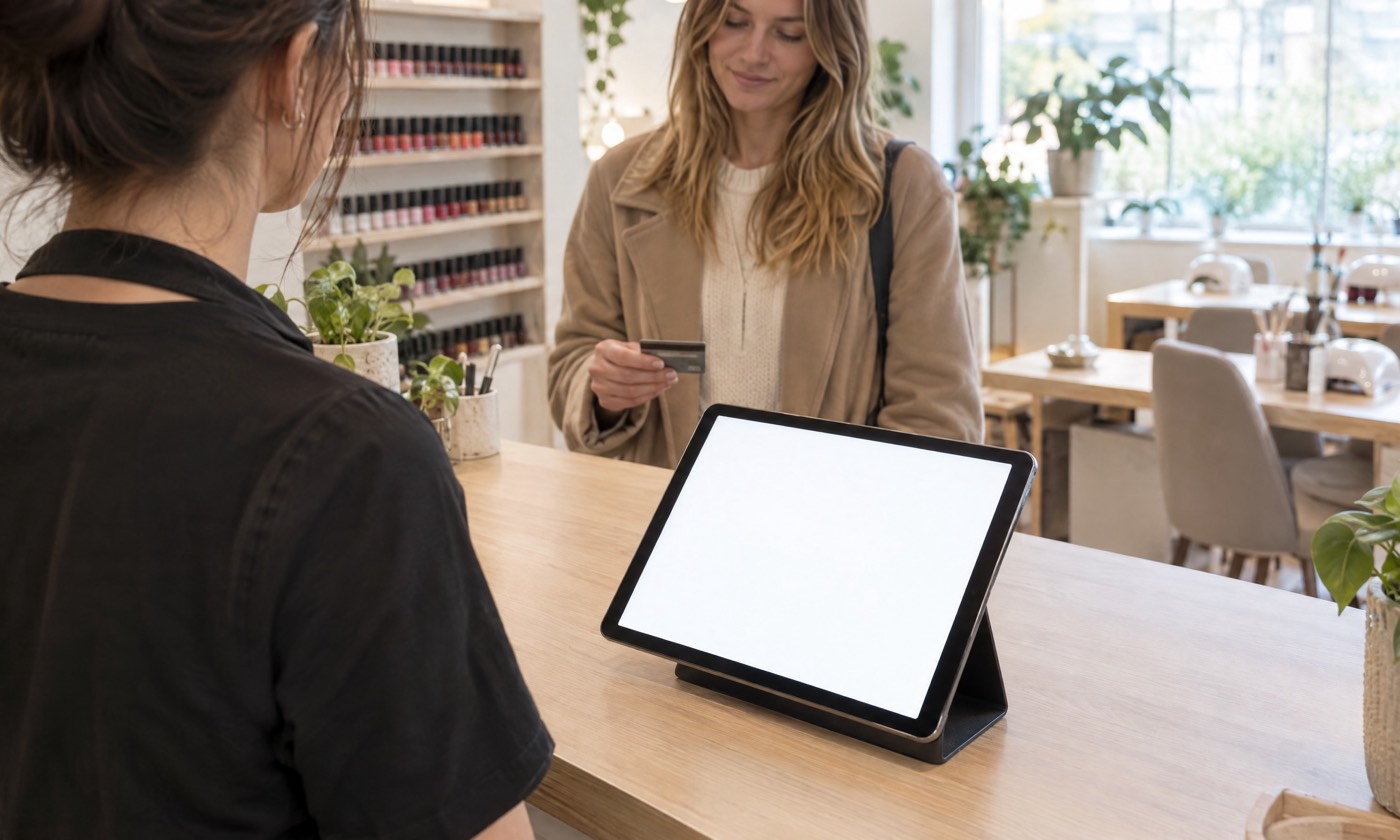
See everyone’s day at a glance on the tablet at the desk. Clients book online or at the counter, walk-ins go into the first free gap, and when the visit ends the bill is already on the POS.

  • A column for everyoneEach person’s day side by side, with breaks, walk-ins and online requests where you can see them.
  • Notes that follow the clientAllergies and patch tests up front, and what they had last time, before they sit down.
  • From the diary to the POSCheck out opens the visit as a bill, with any deposit taken off. Rebook them before they leave.

A walk-in goes into Jo’s free gap. Amara is marked arrived, and her visit starts with one tap.

Your back office

Every sale, as it happens.

Sign in from any browser and see what your POS is taking right now. Set up your menu, your team and your prices from the sofa, and the counter follows.

Saturday at Path Cafe. The takings climb as each sale is rung up at the counter.

Prices

One simple price.

The POS
£9.99a POS a month plus VAT

Free for the first 90 days. No card needed to start. Cancel any time, and export your products and customers whenever you like.

Start free
Taking cards

Keep your own card machine

Take the card on your own machine, then confirm on the POS whether it went through. The receipt says it was paid by card on your machine. Your agreement and your rates stay with your card provider.

Path Payments, with cards taken on the POS itself, is coming soon.

Start free
Hardware

Bring your own tablet

  • An iPadFrom the 10.5-inch models up, on iPadOS 17 or later.
  • Or an Android tablet11 inches or more, on Android 14 or later.
  • Receipts by emailSend the receipt from the POS, so you do not need a printer to start.

We list only what we have proved works. A printer, a scanner or a cash drawer joins this list once we have proved it on a shop’s own tablet.

The POS on an iPad at the front desk. The same app runs on an Android tablet.

Trading by this afternoon.

Two easy steps, one code, and the app on your tablet. Free for 90 days.

Start free